


DRAG SELFIE
Drag, then
strike a pose.
Set the timer with your finger,
then step into the picture.


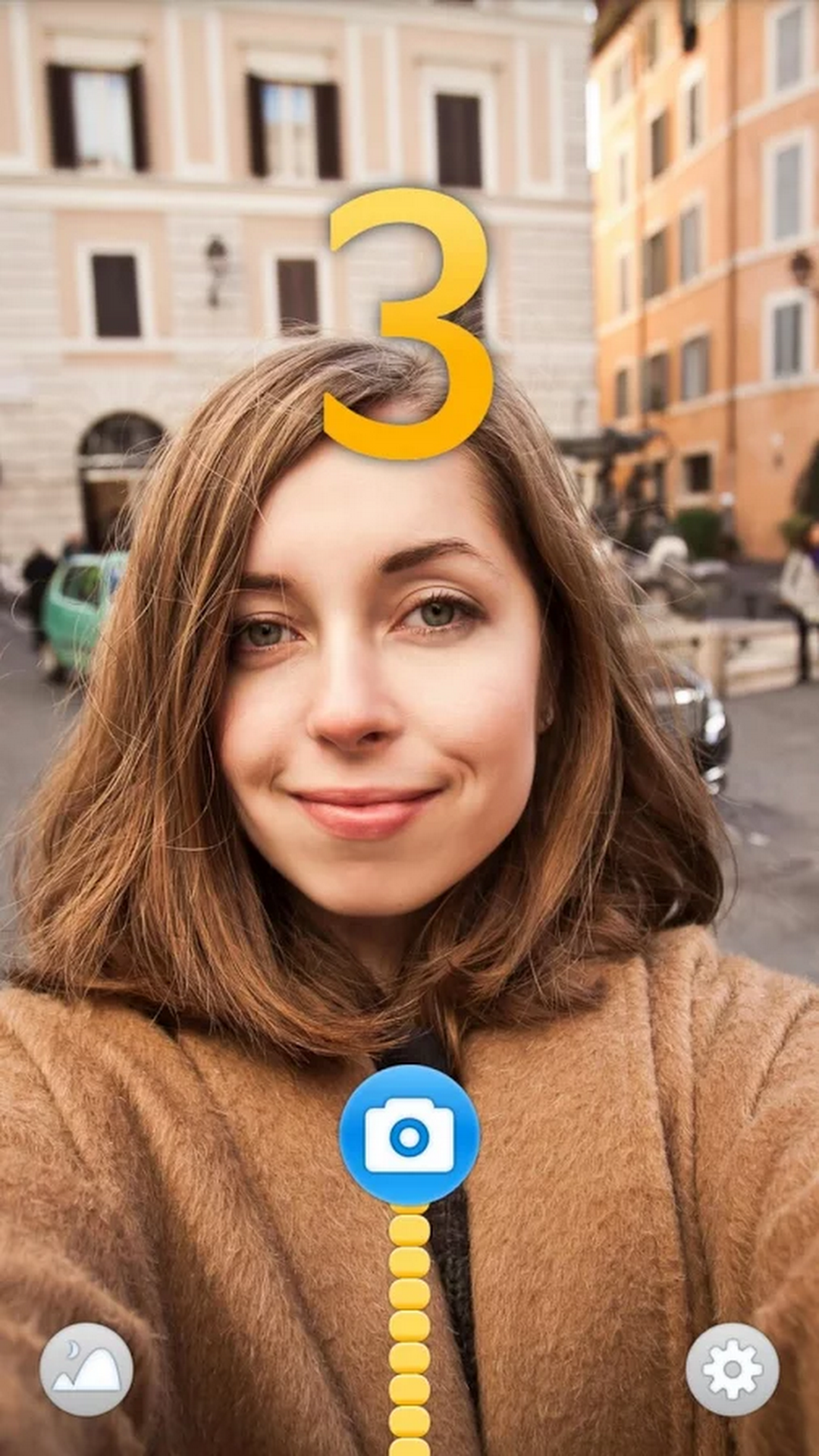
Ready to shoot with one drag.
Drag Selfie is a selfie camera app for iOS and Android. Drag the shutter button upwards to set the timer.
-
Drag up
Drag the shutter button upwards.

-
Set the timer
Choose your timer duration as you drag.
-
Pose & shoot
Strike a pose when the countdown starts.
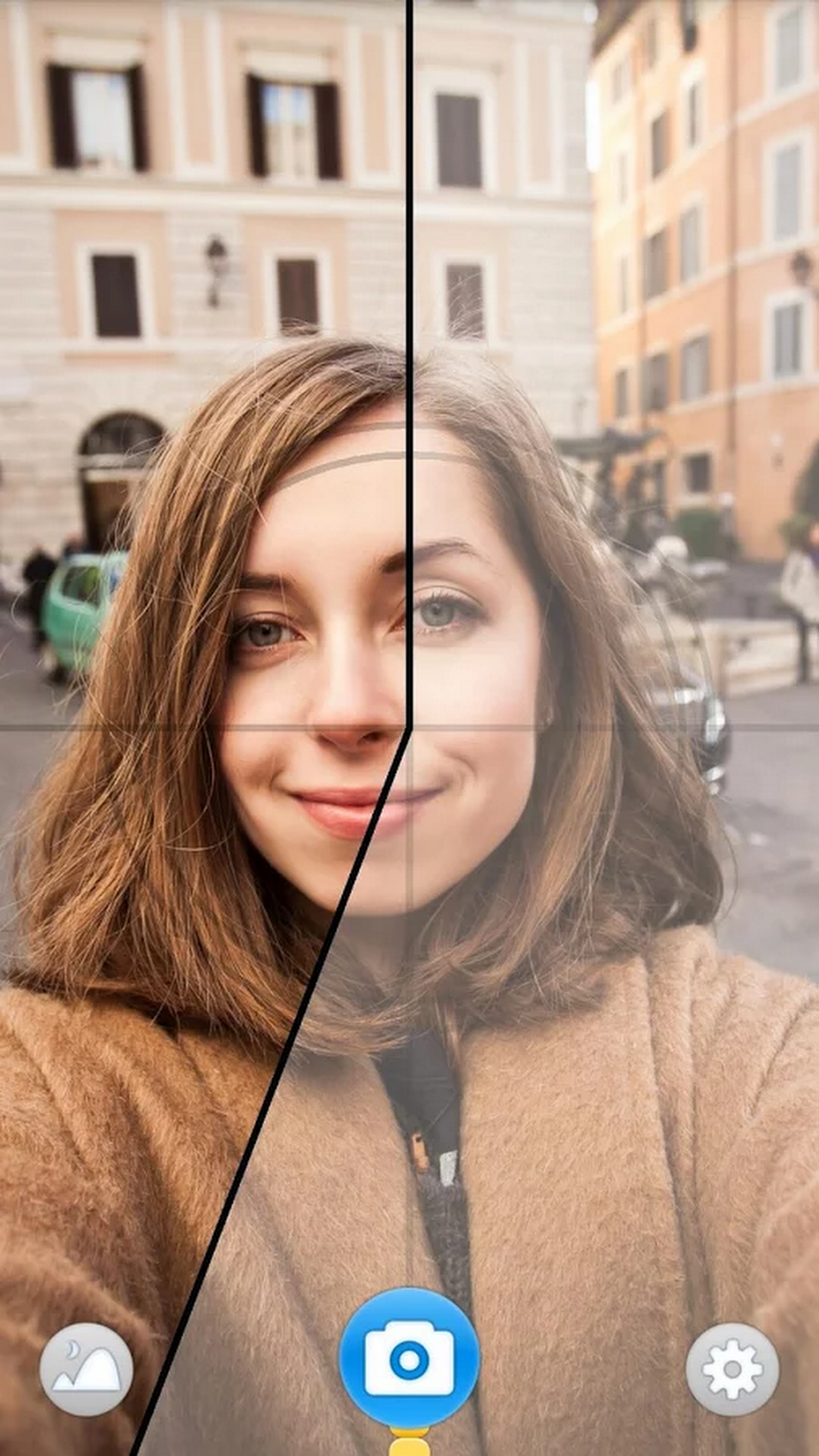

Solo or together.
From selfies to photos together.
Get ready for the moment you want to capture.